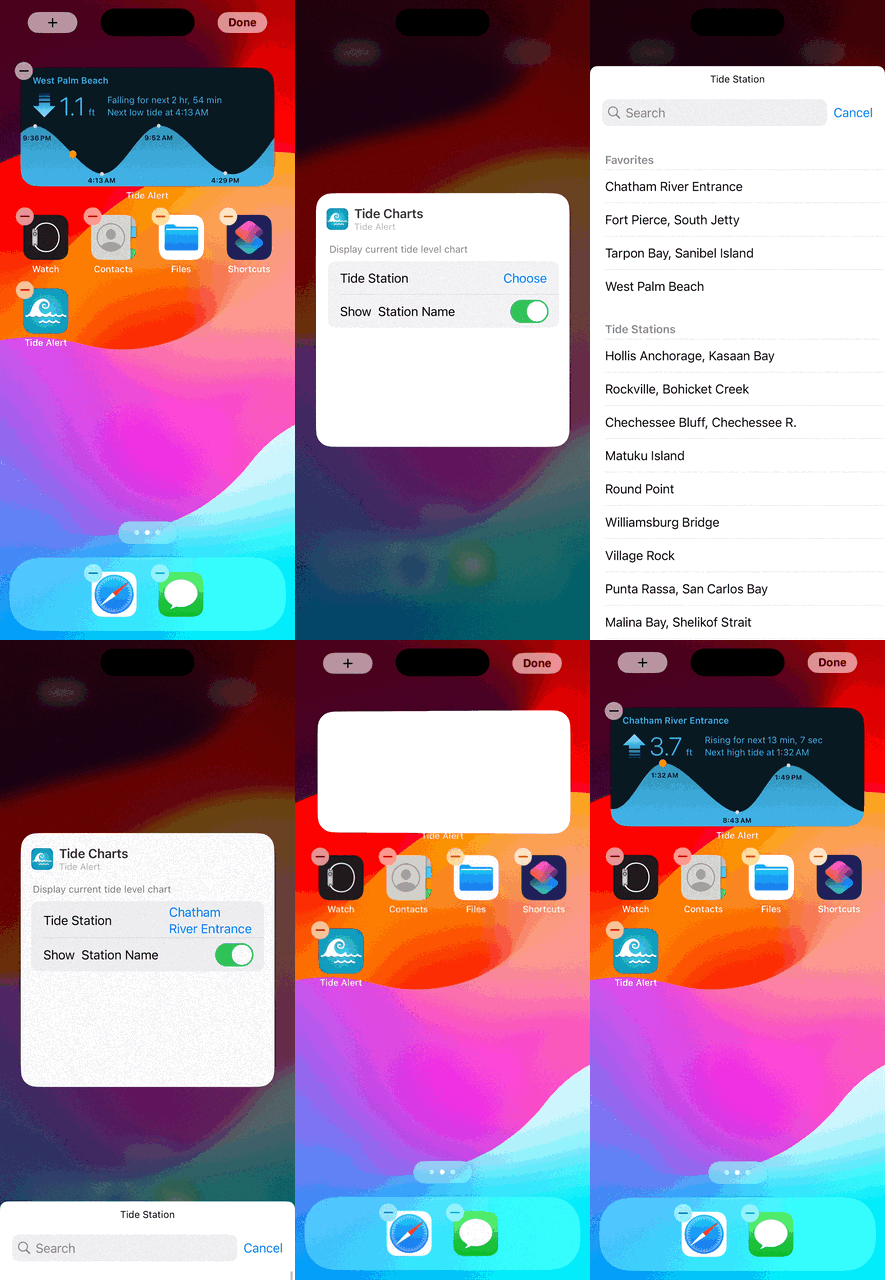
Tide Alert supports several different home screen and lock screen widgets.
- Long press anywhere on the home screen until you see a + icon on top left of the screen.
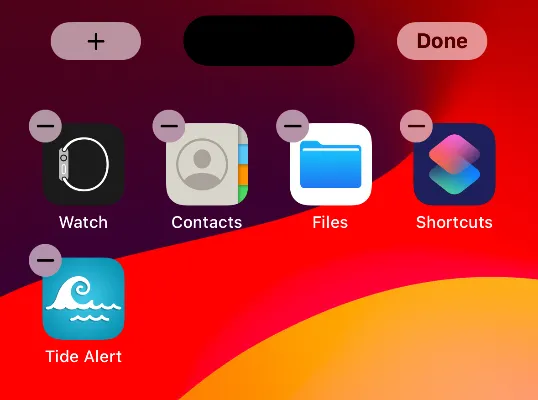
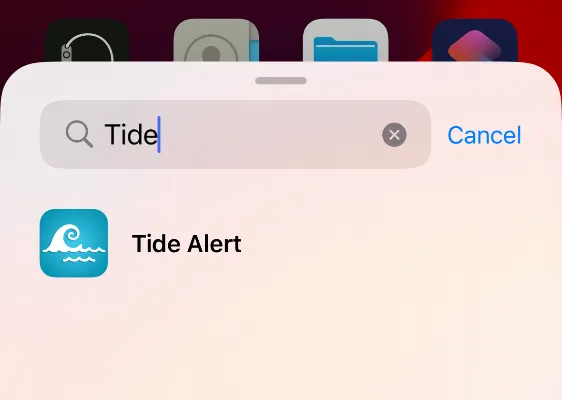
- Tap the + icon and in the widget selection screen, search for 'Tide Alert' and choose it. From the next
screen, pick the widget you like to add.
- To configure the widget, tap once more to the 'Edit' screen and tap on 'Choose' to select a tide station.